How to Receive Securely With Encyro
If someone sends you sensitive files or messages over email, they are putting you at risk. Even if they sent you their own sensitive information, any leak from your email could be considered a data breach from your end. This makes it essential to provide an easy way for others to send you information and files securely.
How to Send Files and Messages Securely?
Want to securely share files with clients? Use Encyro to make it easy to send and receive files securely, without having to create client accounts or installing encryption certificates. Comply with FTC requirements for financial services (accountants, tax pros, mortgage brokers, lenders, financial advisors, retirement planners, appraisers, property managers, and others).
Why is Email Not Secure?
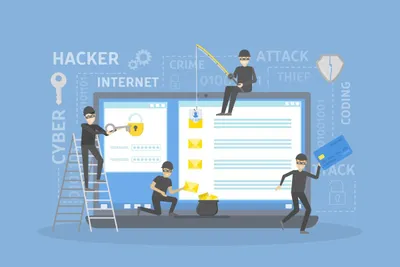
Your bank never emails your statement, right? Because email is not secure. Email data can be stolen as it travels un-encrypted over the network and could be stored un-encrypted on mail servers, Internet mail relays, as well as end devices. Stolen data is sold on the dark web and used to obtain loans, claim tax refunds in your name, make purchases, open new accounts, or even used to create a fake identity for illegal activities.
How to Secure Client Data in Email for GDPR
If you receive personal data from clients, patients, or customers in the EU, then the General Data Protection Regulation (GDPR) requires you to keep that data secure and private. Including when you communicate such data, with your clients or other service providers. Email is not secure Your bank never emails your statement, right? Email data can be leaked in many ways.
Still Emailing Client Data, after GDPR?
The General Data Protection Regulation (GDPR) requires you to keep your business data secure, be it data from your clients, patients, or customers. Not just when the data is with you but also when you must pass on this data to other services, such as communicating it over email. GDPR Article 32 requires implementing technical measures to ensure data security. Find out how you can meet those requirements.

Fully Automatic Encryption
We take care of encryption for you. You need not save any encryption keys, install special software or configure any security settings to use Encyro. Messages and attachments are encrypted at your device, so they never travel across the Internet without encryption.

Convenience Plus Security
Email is convenient. You do not need to create an account for your client or recipient - they already have an email address. But email is not secure. Client portals are secure. But a hassle to convince the client to sign up. How can we get the best of both worlds?

Easy for You to Send, Easy for Them to Receive
When choosing an encrypted email service, it is important to consider not only how easy it is for you, but how easy (or hard) it would be for your clients to receive your secure messages. Watch this short video to see how sending and receiving works with Encyro.


Auto-organize Your Documents
If your business receives email from clients, it is likely that you or your client had trouble locating a document that was already sent. Either you wasted their time or they wasted yours. If you use your personal email to send or receive documents from your service providers such as accountants, mortgage brokers, landlords, tenants, household employees, legal counsel or others, it is likely that you had trouble finding something they already sent.
Export Contacts: Make it Easy to Send Secure to Any Email Contact
Want to know the easiest way to send secure messages to any contact in your email account? You probably have a bunch of contacts who you have been emailing. Learn how to import all those contacts to your Encyro account and make sending secure messages even easier.


Choose Your Upload Page Design
Your upload page showcases your brand to your clients. Encyro makes it easy to customize it with your logo, photo (head shot, office photo, or another picture to showcase your service), and of course your name, business name and contact information. And now you can also choose the design of your upload page from a set of professionally designed templates.

Avoid Printing, Copying, and Mailing
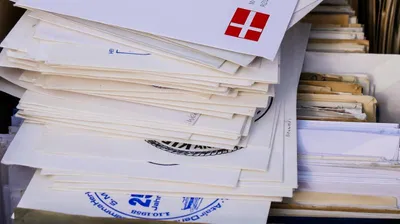
Sending paper documents is expensive! Printing, copying and mailing are real costs for any business that sends paper documents to clients. There is a huge time cost to taking printouts, printing addresses, sealing envelopes, stamping and mailing. Not to mention the overheads of maintaining the printing equipment, space costs for the paper files, and security overheads for them.

How Can Solo Accountants Make $500k a Year
Only a small fraction of CPAs make $500k a year, but it is possible. And it is faster to achieve in your own firm than by working for a large public accounting firm or getting a corporate job in the industry. To make big money in a solo practice or a small firm, your strategy will have to differ greatly from that of the the big firms. Review these ideas to get started.
How to Turn on BitLocker in Windows 10
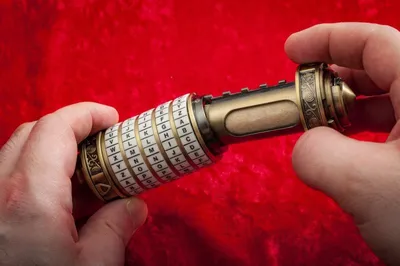
If your PC computer is lost or stolen, having a password does not protect your data. The thief need not even login to your computer - they can simply remove the hard drive and connect it to a different computer. However, if the data is encrypted, it is practically impossible for the thief to retrieve your sensitive files. Learn how to turn on encryption.
How to force Windows 10 to lock itself after inactivity, for all users
One of the aspects of securing your computers is to ensure that it locks itself after a period of inactivity. So, if the PC is idle, which means the user has likely left it unattended for a while, we want the screen to be locked. These instructions show you how.
Three Ways to Encrypt Email in Outlook: Comparison and Setup Instructions
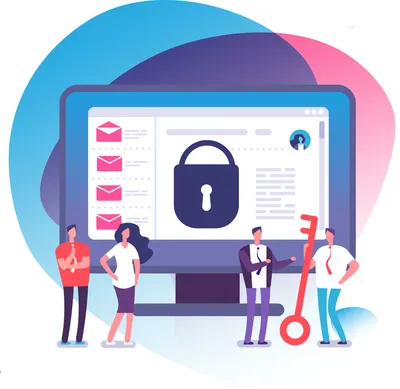
Did you know that the Microsoft Outlook desktop application offers three methods to encrypt emails, including the latest Purview (OME) option that does not require installing certificates and lets you send encrypted email to external recipients? Which email encryption options are available in your scenario and which one should you choose?
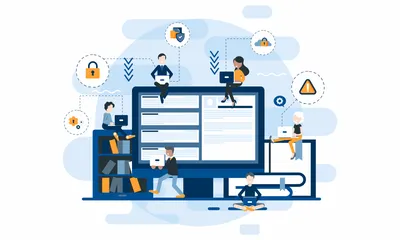
12 Mistakes to Avoid When Encrypting Email in Outlook
Using the wrong Outlook plugin to encrypt your secure messages could frustrate your clients, waste your time, and even leave sensitive data saved in insecure locations. The following pitfalls are easy to avoid if you select the correct email encryption option for Microsoft Outlook.
How to Manage a Data Breach Incident
Last year’s big Facebook data breach sent millions of users in a flurry to reset their Facebook passwords, hoping and praying that their information hadn't found its way into the wrong hands. Some 50 million Facebook accounts were compromised. What can you do to be prepared?
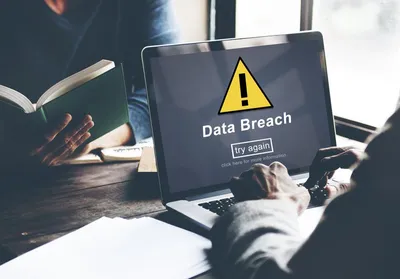
Difference Between Identity Theft and Data Breach
Identity theft refers to stealing your personal identification information such as your social security number and other details. Data breach (also known as data loss, data leak, or data spill) on the other hand refers to stealing other people's (e.g., your clients) personal information that they shared with you. The biggest difference is that a data breach is much more sinister than identity theft in terms of damages inflicted on the victim.

How To Quickly Satisfy IRS Guidelines for Tax Preparers
Is it worth checking out the IRS Guidelines for tax preparers? The new IRS guidelines help you protect your business, avoid losing clients, and compete effectively with the big firms. This detailed article breaks it down into simple steps that you can take to address all the details.
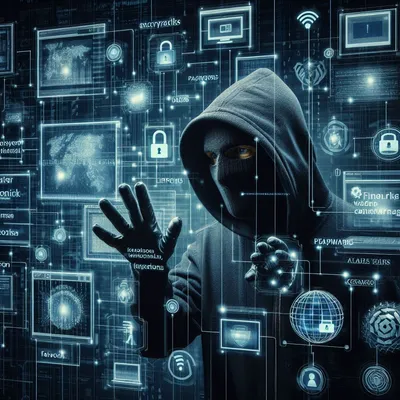
Three Sins That Put Accountants on the Wall of Shame
If you are an accountant and commit any of the following, you are risking your business and your clients' finances. If you hired an accountant or tax practitioner, make sure they are keeping your data secure, or you will be the one bearing the consequences.